标签: 云服务器

  • 前端开源权益系统可商用

    首先需要准备一个最低配置为(1h2g)的云服务器 安装Nginx mysql redis(最好设置密码)

    然后我们去wwwroot目录上传源码,然后解压我们就可以得到

    权益系统搭建教程

    我们先配置server

    权益系统搭建教程

    修改成自己的 redis是一定要安装的 openid先配置好以后用的到

    权益系统搭建教程

    按照我这样配置好 然后显示运行中就可以了

    然后我们搭建后台 新增php项目然后我们搭建后台 新增php项目

    权益系统搭建教程

    点击网站 配置文件到最下面

    权益系统搭建教程

    添加代码 18888就是go项目运行的端口

    location /admin/ {
    proxy_pass http://127.0.0.1:18548;
    proxy_set_header Host $host;
    }

    然后保存 访问你配置的 域名进入系统 默认账号admin 密码123123

    进入系统后请立即修改密码 然后配置服务端 域名

    权益系统搭建教程

    这个是go项目的 切记不要加反斜杠/

    然后点击保存 然后去新增banner图片 如果可以正常上传和显示就代表配置成功

    演示站http://web.qy.gxr0.com/#/

    [content_hide]

    源码地址:https://xiaok.lanzoum.com/i8TUY1foc66f

    [/content_hide]

  • 【阿拉德之怒】各种问题解决教程

    01
    腾讯云服务器 或者其他服务器厂家 80端口进不去游戏 不更新 打不开后台
    安全组放行规则
    TCP:1-65535
    UDP:1-65535


    1
    这个端 不支持域名 请使用IP
    很多小厂家服务器 不支持80端口 改他81

    2
    进去游戏不显示区名和公告 有两种 第一更新包的IP 你没有修改成功

    3
    进游戏不更新 他可以登陆 第一次进去可能不更新 我们在进入第二次 不行我们在清除数据 还不行就是我们的更新包md5没有计算好 重新弄完之后 还是不更新 那就重启服务器

    3 正在链接服务 当前网路不可用

    他可以进去游戏 区名和公告也显示 正在链接服务 当前网路不可用

    大马猴 没有写下面ip 修改位置

    1,进不去游戏 大概要修改这几个地方 改为你的IP
    \home\root\pre-publish-new\server_res\AdminServer\NetAddress.xml
    \home\root\pre-publish-new\server_res\BattleScene\NetAddress.xml
    \home\root\pre-publish-new\server_res\CrossServer\NetAddress.xml,

    2,还有一个就是使用域名 也会出现这种状况 这个端不能使用域名 只能更改端口

    3,检查IP是否改完 所有IP给我检查一遍
    \home\root\pre-publish-new\server_res\UdpConnServer\UdpConnServer.cfg
    \home\root\pre-publish-new\server_res\AdminServer\NetAddress.xml
    \home\root\pre-publish-new\server_res\Config\UdpServer.xml
    \home\root\pre-publish-new\server_res\RelayServer\RelayServer.cfg
    \home\root\pre-publish-new\server_res\RelayServer\ServersAddress.xml
    \home\root\pre-publish-new\server_res\AdminServer\NetAddress.xml
    \home\root\pre-publish-new\server_res\BattleScene\NetAddress.xml
    \home\root\pre-publish-new\server_res\CrossServer\NetAddress.xml,

    4,PM2启动文件 没有做 会导致 1, 正在链接服务 当前网路不可用 2,后台不能使用 充值失败

    /home/root/pre-publish-new/server_res/gmald/src/app.js

    5,数据库修复那个文件 手动导入 进去 重启游戏还是进不去 换回来不用在管他

    4进游戏闪退
    就是你的静态没有做
    网站目录设置/www/wwwroot/game
    运行目录 /public
    设置伪静态 thinkPHP
    关闭防跨站

    重启PHP


  • 89skins-csgo原版CSGO游戏开箱源码盲盒对战、幸运开箱、积分商城、fl盲盒

    1. 准备工作:

    购买Linux云服务器一台,系统centos7.0以上,推荐香港地区的云服务器,可以选择阿里云,华为云等,最低要求配置12G40G磁盘空间

    域名一个,云平台可以申请(如果是未备案请使用国外服务器)

    短信宝,用来发送验证码,

    地址http://www.smsbao.com/reg?r=11949

    扎比特发货平台,注册后,申请成为开发者,拿到api开发权限。地址:https://www.zbt.com/

    1. 安装宝塔,PHP7.2mysql5.6以上,nginx1.18。安装宝塔教程地址https://www.bt.cn/new/download.html

    Php需要安装redis扩展

    [content_hide]

    下载地址:https://pan.baidu.com/s/1asUGzMWbaV7vDh4hFeXcsA?pwd=8hcc

    提取密码:8hcc

    [/content_hide]

    89skins-csgo原版CSGO游戏开箱源码盲盒对战、幸运开箱、积分商城、fl盲盒

    89skins-csgo原版CSGO游戏开箱源码盲盒对战、幸运开箱、积分商城、fl盲盒

  • 动态星空背景个人主页(带后台)网站源码

    动态星空背景个人主页(带后台)网站源码

    [content_hide]

    源码下载地址:https://wwkz.lanzoum.com/iwtJ517e04wj

    [/content_hide]

    后台地址:域名/home/admin
    后台账号:admin
    后台密码:123456
    登录后台后可以修改账号和密码

    上传网站源码到虚拟主机或者云服务器打开网址就是搭建教程

    演示站:http://e4f90139.iumd.cn/

    演示站后台:http://e4f90139.iumd.cn/home/admin/ (密码修改了,按照这格式就是后台)

  • VUE运动刷步助手-最新可用版

    VUE运动刷步助手-最新可用版

    2023年3月28日—-新增伪造IP地址,防止频繁请求被拦截

    2022年9月20日—-新增支持Zeep Life邮箱账号,优化代码判断逻辑

    打包版:

    直接上传到服务器,访问域名即可(云服务器,虚拟主机均可)

    https://xunmeng233.lanzoum.com/idsv00ryikdi

    源码版:

    需要自己进行npm run build 打包,需要安装node环境

    https://gitee.com/xunmeng233/yunyan-sports

  • 九州仙侠传架设H5详细教程

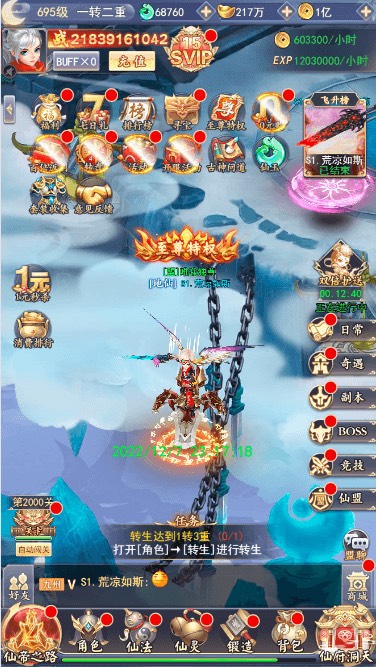
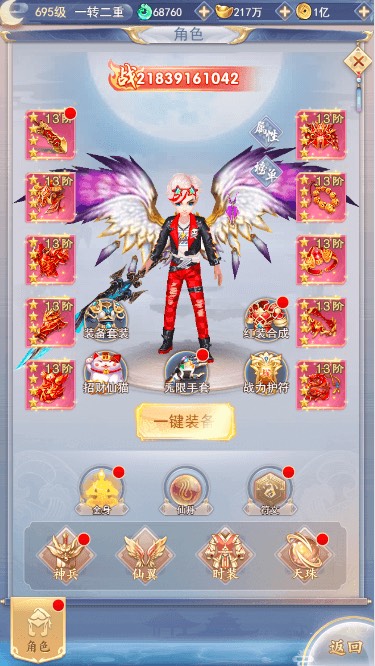
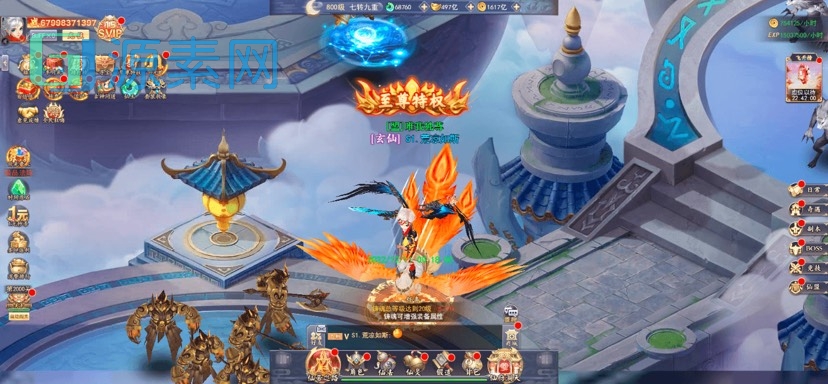
    本文讲解九州仙侠传架设教程,想研究 H5 游戏如何实现,体验游戏中秒天秒地秒空气的一定不要错过。


    1. 架设条件

    九州仙侠传架设需要准备:

    linux 服务器,建议 CentOs 7.6 版本,推荐轻量应用服务器,性价比高。

    需注意服务器 CentOs 8 以上版本可能无法启动游戏端口。

    2. 安装宝塔及环境

    宝塔是一个服务器运维管理软件,安装命令:yum install -y wget && wget -O install.sh http://download.bt.cn/install/install_6.0.sh && sh install.sh

    安装完后,按照提示信息登录宝塔(如果无法访问可能是由于服务器没有开放 8888 端口,参考步骤开放端口),并在宝塔软件商店中搜索以下软件安装:

    web 服务器:Nginx1.18

    数据库:mysql 5.6

    编程语言:PHP 5.6

    数据库管理工具:phpMyAdmin 4.4

    安装完后,还需安装 PHP 5.6 的扩展 redis 和 swoole。

    3. 关闭防火墙

    通过宝塔菜单终端,执行关闭防火墙命令:systemctl stop firewalld.service

    systemctl disable firewalld.service

    4. 开放端口

    我们直接开放所有端口 1-65535,阿里云服务器在安全组中配置规则。

    腾讯云服务器在防火墙中配置规则。

    然后在宝塔菜单安全中开放所有端口。

    如果对安全性有要求,可以单独开放需要开放的端口,方法同上。

    5. 上传源码

    拿到源码后,将 jzxxz.zip 压缩文件通过宝塔上传到根目录(如果宝塔禁止上传到根目录,可上传其他路径后剪切粘贴到根目录)。

    上传成功后解压到根目录。

    解压完成后,通过宝塔菜单终端,命令授予 777 权限:

    chmod -R 777 /www/server/php/56/lib/php/extensionsno-debug-non-zts-20131226

    chmod -R 777 /home/admin_www/

    chmod -R 777 /home/redis/

    chmod -R 777 /home/server/

    chmod -R 777 /home/sql/

    chmod -R 777 /home/www/

    chmod 777 /home/sk

    6. 配置环境

    安装所需环境命令:yum install bzip2 bzip2-devel readline-devel libxml2-devel libxml2 openssl openssl-devel gcc make curl-devel -y

    编译 libmcrypt 命令:cd /

    tar -zxvf libmcrypt-2.5.7.tar.gz

    cd libmcrypt-2.5.7

    ./configure –prefix=/usr/local

    make && make install

    ldconfig

    修改 /www/server/php/56/etc/php.ini 文件,在文件最后添加:

    [msgpack]

    extension = /www/server/php/56/lib/php/extensionsno-debug-non-zts-20131226/msgpack.so

    解压 node,并创建软连接:

    cd /

    tar -xvf node-v10.16.3-linux-x64.tar.xz -C /usr/local/

    ln -s /usr/local/node-v10.16.3-linux-x64/bin/node /usr/bin/node

    ln -s /usr/local/node-v10.16.3-linux-x64/bin/npm /usr/bin/npm

    源码中的 IP 是我自己虚拟机的(39.101.64.26),需要替换成你自己的服务器 IP。

    需要修改 IP 的文件:
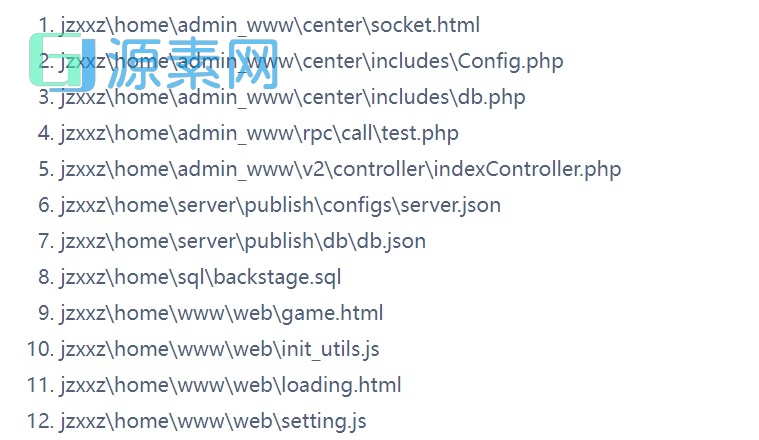
    以 init_utils.js 文件为例,在宝塔中找到文件,双击修改,Ctrl+F 批量替换 IP。

    由于修改的文件较多,建议先在本机用 VS Code 或其他 IDE 批量替换 IP 后再上传服务器。

    8. 导入数据库

    宝塔设置数据库 root 密码为 pwd123456,如果想改成自己的密码,源码中需批量替换掉原始密码。

    命令创建数据库:
    cd /home
    sh sk

    9. 创建游戏网站

    添加游戏网站才能访问游戏,域名写你的 IP:88,根目录 /home/www/web。

    然后创建游戏后台网站,域名写你的 127.0.0.1:81,根目录 /home/admin_www/center。

    最后再创建前端与服务端链接网站,域名先随便写,如 link.com,根目录 /home/admin_www/api/sdk。

    再编辑网站 link.com,添加域名 127.0.0.1:82。

    为什么不直接添加 127.0.0.1:82 网站呢,因为已经添加过网站 127.0.0.1:81,相同的域名 IP 宝塔会提示站点已存在无法添加成功。

    最后别忘了以上三个网站都需要将防跨站攻击取消勾选。

    10. 开启游戏

    以上都执行完毕,建议将 PHP 重启下。

    然后就到了激动人心的启动游戏啦,启动命令:

    cd /home/server/publish/tool

    node start

    node start_cross

    node start_cross_t

    查看监听接口:netstat -lntp

    访问游戏链接:http://IP:88 ,使用你服务器的 IP。

    输入账号,登录游戏,创建角色,进入游戏,Nice~

    也可以给玩家授权 GM,玩家 GM 链接 http://IP:88/gmht

    漏了一步
    11. GM 工具

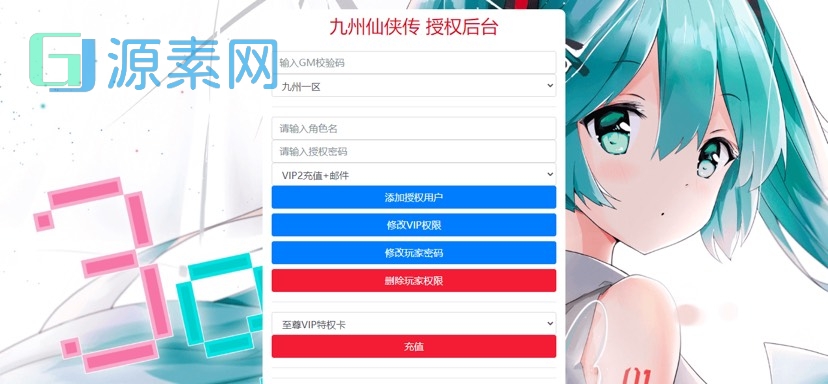
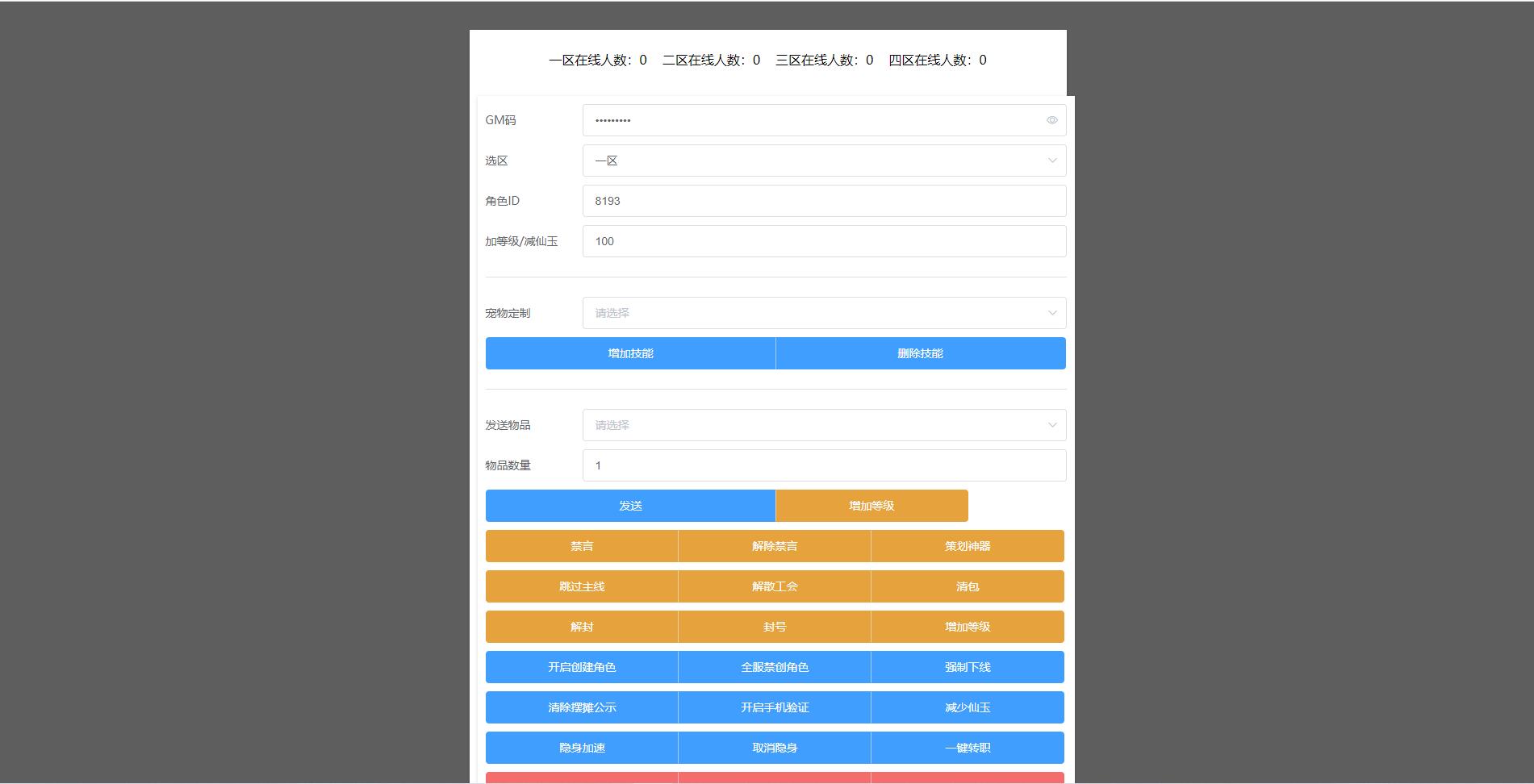
    游戏 GM 工具访问链接:http://IP:88/gmht/gm.php ,使用你服务器的 IP,可以给玩家充值发送物品,默认 GM 码看30楼图片里面有,无需重新登录游戏,邮箱实时收取。

    12. 修改 GM 码

    后台 GM 码需要修改文件 /home/www/web/gmht/user/config.php 中 $gmcodeb 字段即可。

    13. 游戏 BUG

    九州仙侠传我测试了一段时间,虽然游戏本身只有 200 多 M,但是可玩性还是很高的,目前只遇到过两个 BUG,并不影响游戏本身,所以暂时不做修复了。

    一个是最后一个任务要求 999 级,但实际上最高只能达到 800 级。另一个是有两个极品符文极阳仙攻和太阴神佑,游戏中有提及却无法获取到,我找到源码两个符文的码通过 GM 发送到游戏角色后,游戏一直报错,说明游戏暂时还是不支持。

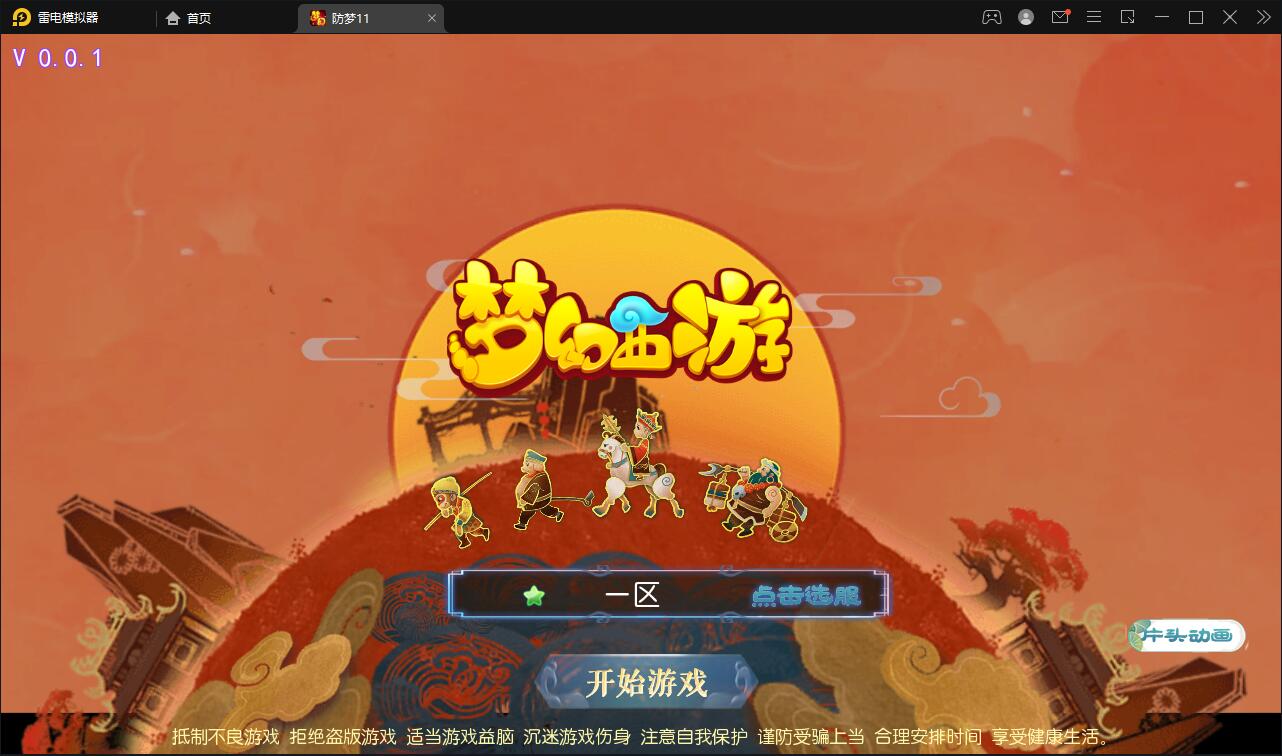
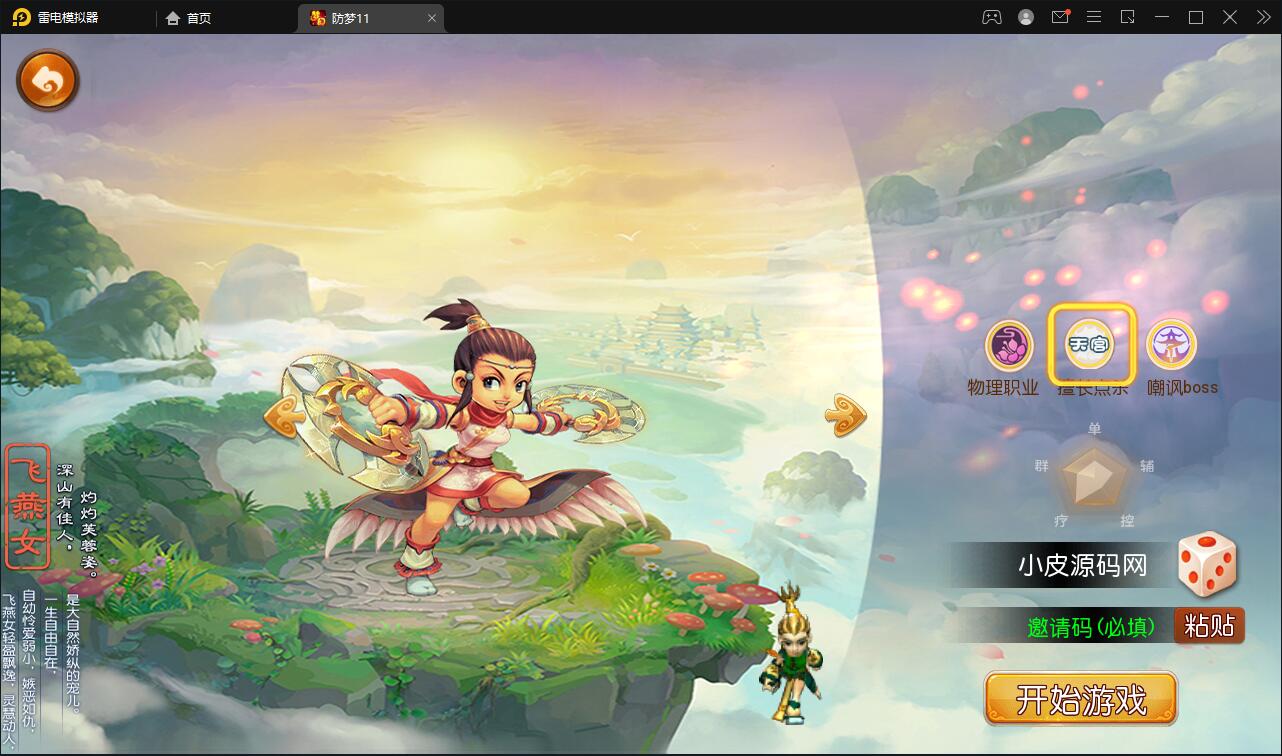
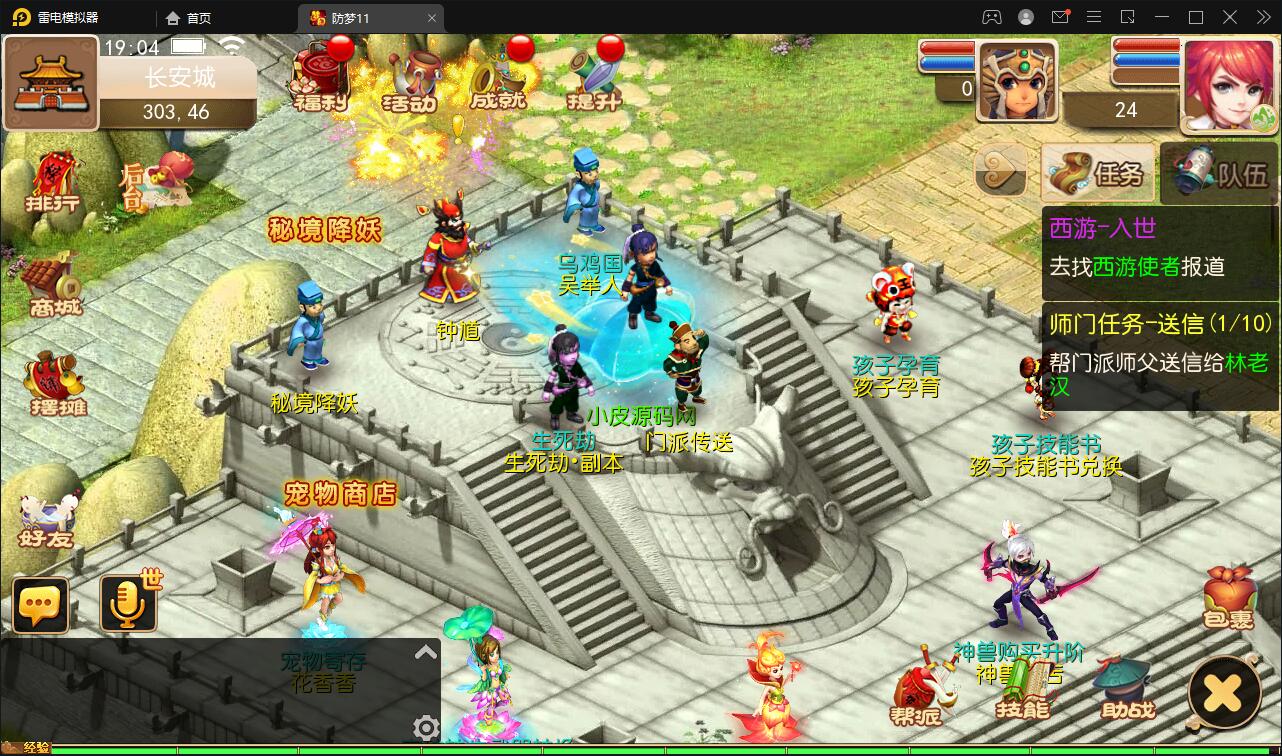
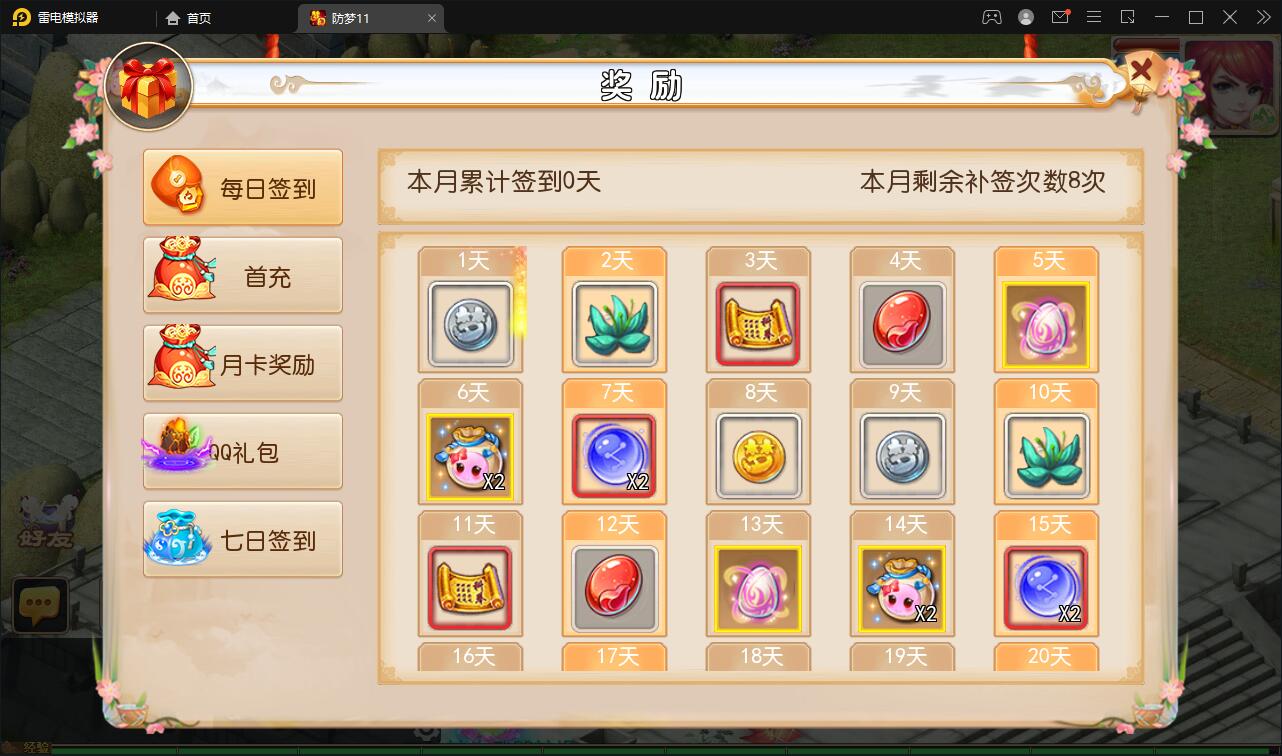
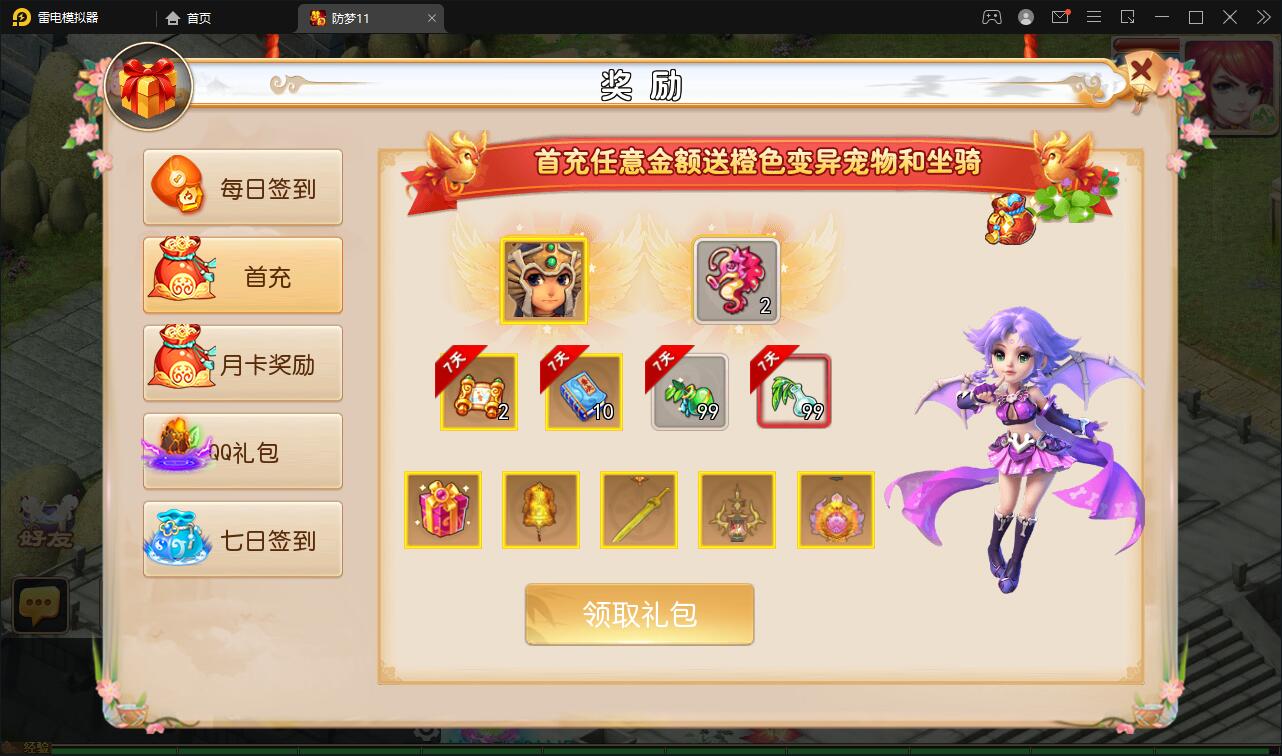
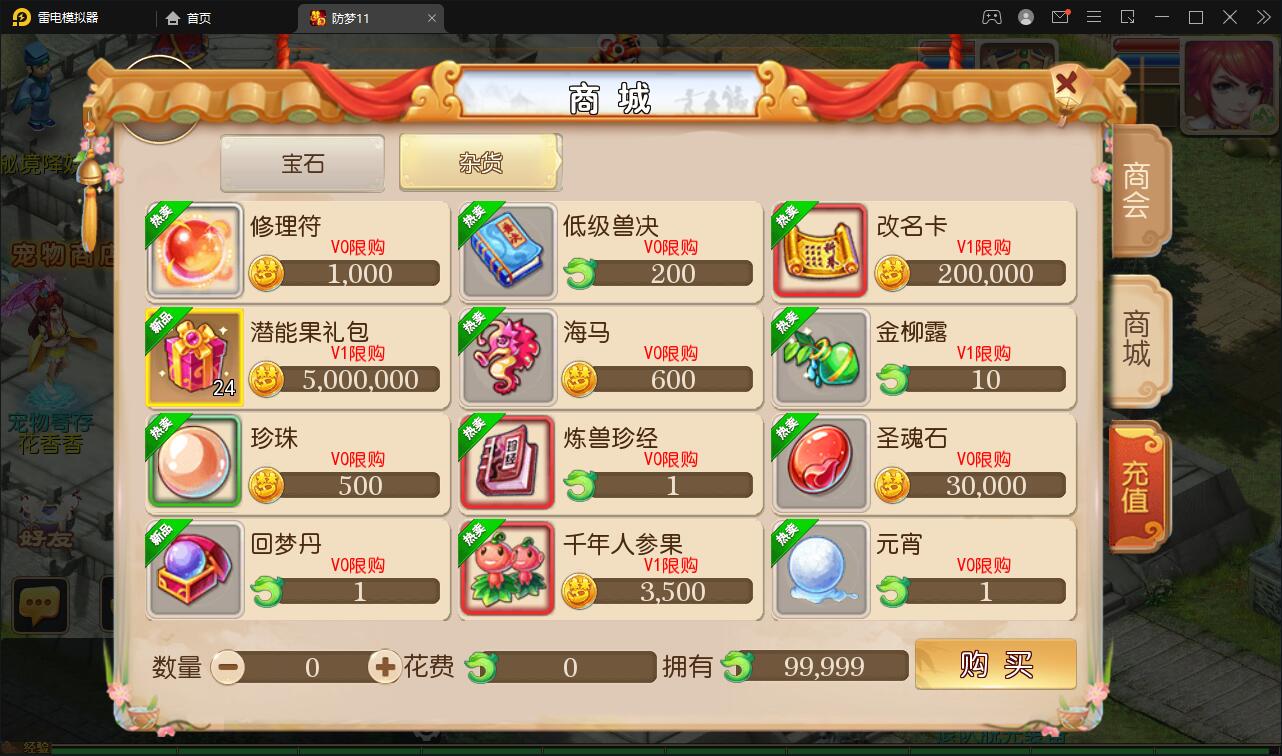
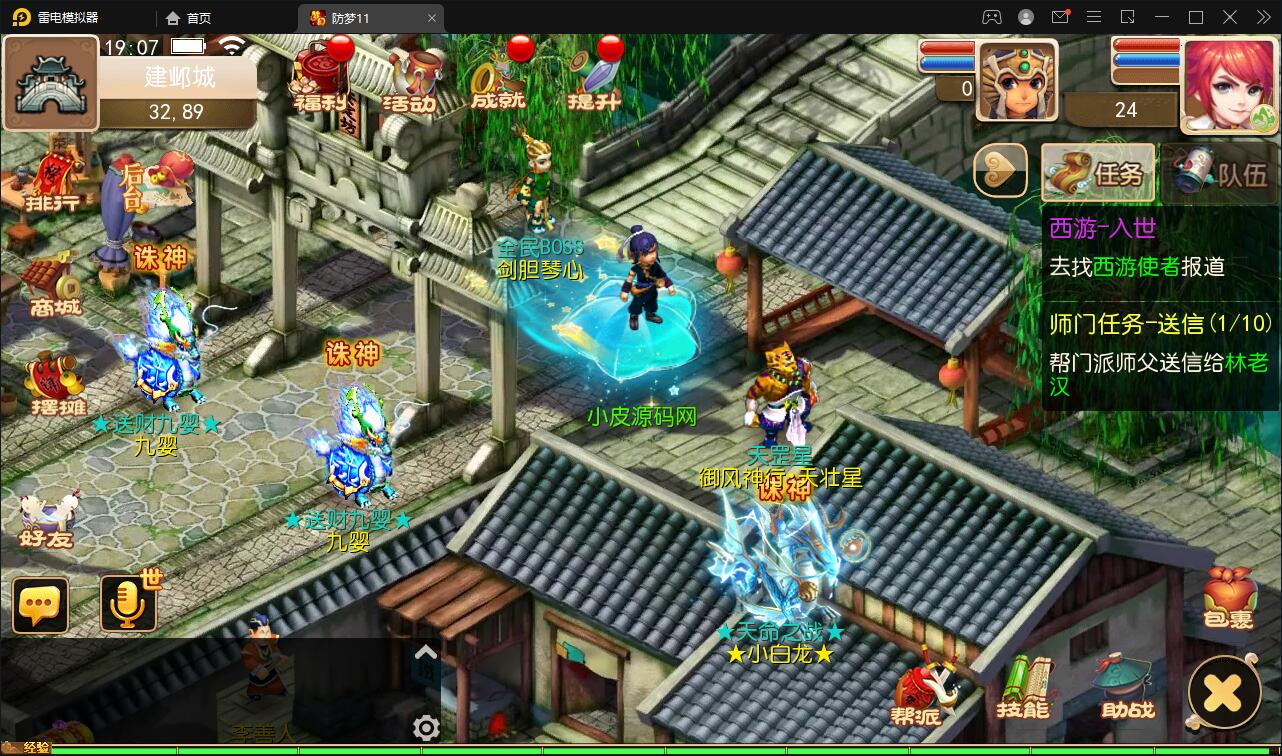
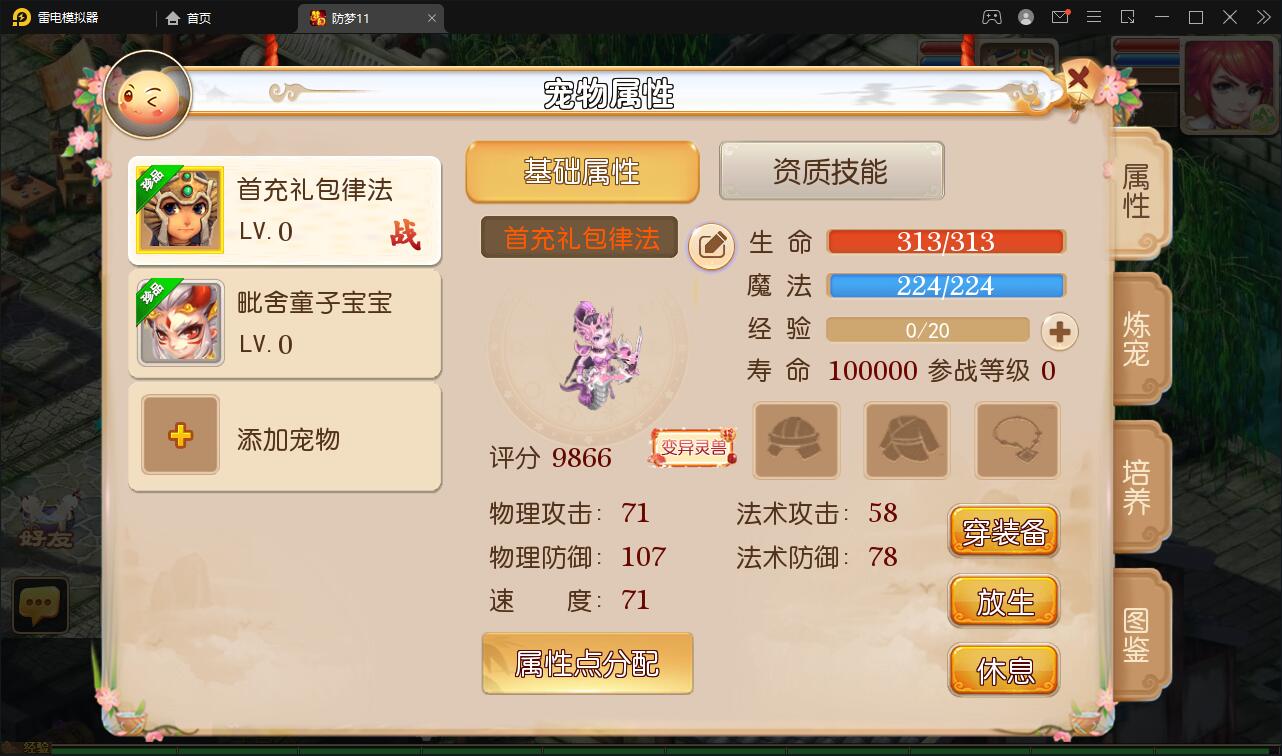
  • MT3换皮梦幻【防梦11】最新整理Linux手工服务端+GM后台+安卓苹果双端+源码

    MT3换皮梦幻【防梦11】最新整理Linux手工服务端+GM后台+安卓苹果双端+源码

    MT3换皮梦幻【防梦11】最新整理Linux手工服务端+GM后台+安卓苹果双端+源码

    注意:mt3有点特殊,部分服务器可能无法启动服务端。测试服务器腾讯云服务器(不是轻量),广州地区。其他服务器自测


  • WordPress网站首页添加好看的四格小工具教程

    WordPress网站首页添加好看的四格小工具教程

    直接到网站根目录创建一个css文件(文件名:sige.css),文件名可自定义(注意文件名一致)

    <link rel="stylesheet" href="你的网站/sige.css" type="text/css" >

    然后在header.php模板最上方添加引入代码
    也可自定义HTML里添加css代码最上方写入标签<style></style>,将css代码放入标签内即可!
    css代码如下:

    .hide_sm{display: flex;}
    
    .container .col-1-4{float: left;box-sizing: border-box;margin-right: 7.3333px;width: 100%;}
    
    .container .col-1-4:last-child{margin-right: 0;}
    
    @media (min-width:768px){.container .col-1-4{width: 50%}}
    
    @media (min-width:1024px){.container .col-1-4{width: 25%}}
    
    @media (min-width:1024px){.ripro-dark .home-first{background: #232425;}}
    
    @media (min-width:768px){.home-first .h-images:after{display: none}}
    
    @media (min-width:768px){.home-first .h-images{display: box;display: -ms-flexbox;display: flex;width: 100%;justify-content: space-between}}
    
    @media (min-width:1024px){.home-first .h-images{width: 25%}}
    
    .home-first .h-images .item-tuwen{float: left;padding: 0 6.5px;width: 50%}
    
    @media (min-width:1024px){.home-first .h-images .item-tuwen{float: none}}
    
    @media (min-width:1024px){.home-first .h-images{display: block;box-sizing: border-box;padding: 0 7.3333px}.home-first .h-images .item-tuwen{padding: 0;width: auto}}
    
    .home-first .item-tuwen{margin-bottom: 15px}
    
    @media (min-width:768px){.home-first .item-tuwen{margin-bottom: 13px}}
    
    .home-first .item-tuwen a{position: relative;display: block;overflow: hidden;border-radius: 3px}
    
    .home-first .item-tuwen a .thumb{padding-top: 57%;transition: all .2s;transform-origin: center}
    
    .home-first .item-tuwen a strong{position: absolute;right: 0;bottom: 0;left: 0;z-index: 10;display: block;padding: .4em .8em .6em;background-image: linear-gradient(to bottom,rgba(0,0,0,.2) 0,rgba(0,0,0,.6) 100%);background-repeat: repeat-x;box-shadow: 0 -7px 15px rgba(0,0,0,.2);color: #fff;letter-spacing: .5px;font-weight: 700;font-size: 9pt;line-height: 1.3}
    
    @media (min-width:768px){.home-first .item-tuwen a strong{letter-spacing: 1px;font-size: 14px;line-height: 1.4}}
    
    .home-first .hf-widget{box-sizing: border-box;padding: 14px 17px 0;background: #17161600;box-shadow: 0 34px 20px -24px rgba(220, 220, 220, 0.18);border-radius: 3px;}
    
    .ripro-dark .home-first .hf-widget{border: 1px solid #2b2b2b;background: #232425;box-shadow: 8px 8px 9pt #212121;}
    
    @media (min-width:768px){.home-first .hf-widget{overflow: hidden;height: 135px}}
    
    @media (min-width:1024px){.home-first .hf-widget{margin-bottom: 0}}
    
    .home-first .hf-widget [class*=" icon-"]:before,.home-first .hf-widget [class^=icon-]:before{margin: 0}
    
    .home-first .hf-widget .hf-widget-title{margin-bottom: 14px;padding: 0 0 10px;border-bottom: 1px solid #f2f2f2;color: #383838;letter-spacing: 1px;font-weight: 700;font-size: 15px;line-height: 20px;margin-bottom: 10px;}
    
    .ripro-dark .home-first .hf-widget .hf-widget-title{border-bottom: 1px solid #696969;}
    
    .ripro-dark .home-first .hf-widget .hf-widget-title a{color: #ccc;}
    
    .home-first .hf-widget .hf-widget-title>i{margin-right: 2px;color: #448aff;}
    
    .ripro-dark .home-first .hf-widget .hf-widget-title>i{margin-right: 2px;color: #ffa363}
    
    .home-first .hf-widget .hf-widget-title span{margin-left: 10px;color: #a7a7a7;font-weight: 400;font-size: 9pt;line-height: 20px}
    
    @media (min-width:1024px){.home-first .hf-widget .hf-widget-title span{display: none}}
    
    @media (min-width:1330px){.home-first .hf-widget .hf-widget-title span{display: inline}}
    
    .home-first .hf-widget .hf-widget-title .pages{float: right;padding-top: 2px}
    
    .home-first .hf-widget .hf-widget-title .pages .next,.home-first .hf-widget .hf-widget-title .pages .prev{float: left;margin: 0;padding: 0 2px;height: 1pc;border: 1px solid #eee;color: #ccc;font-size: 9px;line-height: 15px;cursor: pointer}
    
    .home-first .hf-widget .hf-widget-title .pages .next:hover,.home-first .hf-widget .hf-widget-title .pages .prev:hover{color: #448aff}
    
    .home-first .hf-widget .hf-widget-title .pages .prev{border-right: none}
    
    .home-first .hf-widget .hf-tags{margin-bottom: -10px}
    
    @media (min-width:768px){.home-first .hf-widget .hf-tags{overflow: hidden;height: 4pc}}
    
    .home-first .hf-widget .hf-tags a{display: inline-block;margin: 0 5px 10px;padding: 0 5px;height: 22px;border-radius: 2px;background: #f9f9f9;color: #888;white-space: nowrap;font-size: 9pt;line-height: 22px;word-break: break-all}
    
    .home-first .hf-widget .hf-tags a.style_orange,.home-first .hf-widget .hf-tags a:hover{background: #448aff;color: #fff;}
    
    .ripro-dark .home-first .hf-widget .hf-tags a{background: #2c2e2f;}
    
    .home-first .hf-widget-4 .hf-widget-content{color: #888;font-size: 14px}
    
    .home-first .hf-widget-4 .hf-widget-content a{color: #888}
    
    .home-first .hf-widget-4 .hf-widget-content a:hover{color: #448aff;}
    
    .home-first .hf-widget-4 .hf-widget-content h3{overflow: hidden;height: 22px;font-weight: 400;font-size: 13px;line-height: 22px;margin: 0 0 10px;}
    
    .home-first .hf-widget-4 .hf-widget-content em{float: right;padding: 0 5px;height: 22px;border-radius: 2px;background: #fff5ef;color: #ff5c00;font-style: normal;font-size: 9pt;line-height: 22px}
    
    .home-first .hf-widget-4 .hf-widget-content ul li{margin-bottom: 5px}
    
    .home-first .hf-widget-4 .hf-widget-content ul li:last-child{margin-bottom: 0}
    
    .home-first .hf-widget-1 .hf-widget-content a{color: #888}
    
    .ripro-dark .home-first .hf-widget-1 .hf-widget-content a{color: #ccc}
    
    .home-first .hf-widget-1 .hf-widget-content a:hover{color: #69a1ff;}
    
    .home-first .hf-widget-1 .hf-widget-content li{float: left;box-sizing: border-box;padding: 0 10px;width: 25%;text-align: center;font-size: 9pt}
    
    .home-first .hf-widget-1 .hf-widget-content li .thumb{margin: 0 auto 4px;padding-top: 36px;width: 36px}
    
    .home-first .hf-widget-1 .hf-widget-content li span{display: block; height: 16px; line-height: 16px; overflow: hidden;}
    
    .home-first .hf-widget-1 .hf-widget-content .scroll-h{margin: 0 -10px;}
    
    .home-first .scroll-h{position: relative;overflow: hidden;height: 56px;}
    
    .home-first .scroll-h ul{list-style: none;position: absolute;top: 0;left: 0;width: 100%;transition: all .2s; margin:0;padding-left:0;}
    
    .home-first .scroll-h ul:after,.home-first .scroll-h ul:before{clear: both;display: block;visibility: none;height: 0;content: "";line-height: 0}
    
    .home-first .scroll-h .holdon{position: absolute;top: 0;left: 100%}
    
    .home-first .scroll-h .holdon-prev{left: -100%}
    
    .home-first .hf-widget-hot-cats .hhicon{display: inline-block;margin-bottom: 5px;width: 36px;height: 36px;border-radius: 100%;background: #e8fbff;color: #448aff;text-align: center;font-size: 20px;line-height: 36px;}
    
    .ripro-dark .home-first .hf-widget-hot-cats .hhicon{background: #2c2e2f;color: #ffa363;}
    
    .home-first .hf-widget-hot-cats .scroll-h li a{display: block}
    
    .home-first .hf-widget-hot-cats .scroll-h li a:hover .hhicon{background: #448aff;color: #fff;}
    
    .home-first .thumb{position: relative;display: block;overflow: hidden;padding-top: 66.7%;width: 100%;height: 0;background-color: transparent;background-position: center;background-size: cover;background-repeat: no-repeat;transition: all .2s}
    
    .home-first i{font-weight: 300}
    
    @media screen and (max-width:720px){.home-first .hf-widget-1 .hf-widget-content .scroll-h,.home-first .hf-widget-content{margin: 1pc -10px}}
    
    @media (max-width: 768px){.sxweb {display:none;}}
    
    .icon-b i{
    
    display: inline-block;
    
    margin-bottom: 5px;
    
    width: 36px;
    
    height: 36px;
    
    border-radius: 100%;
    
    background: #e8fbff;
    
    color: #448aff;
    
    text-align: center;
    
    font-size: 20px;
    
    line-height: 36px;
    
    }
    
    .icon-b i:hover{
    
    background: #448aff;
    
    color: #fff;
    
    }

    外观-小工具-自定义HTML添加如下代码

    <div class="section">
    
    <div class="home-first">
    
    <div class="container hide_sm">
    
    <div class="col-1-4">
    
    <div class="hf-widget hf-widget-1 hf-widget-software">
    
    <h3 class="hf-widget-title">
    
    <i class="fa fa-cloud"></i>
    
    <a href="#" target="_blank">推荐产品</a>
    
    <span>云服务器等云产品推荐</span>
    
    </h3>
    
    <div class="hf-widget-content">
    
    <div class="scroll-h">
    
    <ul>
    
    <li>
    
    <a href="#" rel="external nofollow" target="_blank">
    
    <i class="thumb " style="background-image:url(https://ae01.alicdn.com/kf/H026cdceabc1942e1b82b1eb2cd5b9e41P.png)"></i>
    
    <span>阿里云</span></a>
    
    </li>
    
    <li>
    
    <a href="#" target="_blank">
    
    <i class="thumb " style="background-image:url(https://ae01.alicdn.com/kf/H006240f97bff40f5aea223eb51b33c3dq.png)"></i>
    
    <span>腾讯云</span></a>
    
    </li>
    
    <li>
    
    <a href="#" target="_blank">
    
    <i class="thumb " style="background-image:url(https://ae01.alicdn.com/kf/H2da200a36ce2401595f8e03f8c750deeT.png)"></i>
    
    <span>企业云</span></a>
    
    </li>
    
    <li>
    
    <a href="#" target="_blank">
    
    <i class="thumb " style="background-image:url(https://ae01.alicdn.com/kf/H128bb4d1c77d4f6f9032b934a6a234beD.png)"></i>
    
    <span>香港云</span></a>
    
    </li>
    
    </ul>
    
    </div>
    
    </div>
    
    </div>
    
    </div>
    
    <div class="col-1-4 sxweb">
    
    <div class="hf-widget hf-widget-2">
    
    <h3 class="hf-widget-title">
    
    <i class="fa fa-tint"></i>
    
    <a href="#" target="_blank">热门看点</a>
    
    <span>精品内容推荐</span></h3>
    
    <div class="hf-widget-content">
    
    <div class="no-scroll hf-tags">
    
    <a class="style_orange" href="http://www.lxh5068.com" target="_blank">
    
    <span>手机壁纸</span></a>
    
    <a class="" href="/topics/jc-fx" target="_blank">
    
    <span>教程分享</span></a>
    
    <a class="" href="/topics/wz-ym" target="_blank">
    
    <span>源码分享</span></a>
    
    <a class="" href="/topics/rj-android" target="_blank">
    
    <span>Android软件</span></a>
    
    <a class="" href="/topics/xw-zx" target="_blank">
    
    <span>新闻资讯</span></a>
    
    <a class="" href="/xb-zh" target="_blank">
    
    <span>线报活动</span></a>
    
    <a class="" href="/topics/meihua" target="_blank">
    
    <span>美化代码</span></a>
    
    </div>
    
    </div>
    
    </div>
    
    </div>
    
    <div class="col-1-4 sxweb">
    
    <div class="hf-widget hf-widget-1 hf-widget-hot-cats">
    
    <h3 class="hf-widget-title">
    
    <i class="fa fa-dropbox"></i>
    
    <a href="http://bbs.lxh5068.com/sort/huodong" target="_blank">热门专区</a>
    
    <span>推荐设计热点</span></h3>
    
    <div class="hf-widget-content">
    
    <div class="icon-b">
    
    <ul>
    
    <li>
    
    <a href="http://bbs.lxh5068.com/sort/zhide" target="_blank">
    
    <i class="fa fa-thumbs-up" aria-hidden="true"></i>
    
    <span>每日推荐</span></a>
    
    </li>
    
    <li>
    
    <a href="http://bbs.lxh5068.com/sort/mianfeirj" target="_blank">
    
    <i class="fa fa-cloud-download" aria-hidden="true"></i>
    
    <span>软件下载</span></a>
    
    </li>
    
    <li>
    
    <a href="http://bbs.lxh5068.com/sort/yuanma" target="_blank">
    
    <i class="fa fa-graduation-cap"></i>
    
    <span>源码教程</span></a>
    
    </li>
    
    <li>
    
    <a href="http://bbs.lxh5068.com/sort/guanzhu" target="_blank">
    
    <i class="fa fa-picture-o" aria-hidden="true"></i>
    
    <span>福利美图</span></a>
    
    </li>
    
    </ul>
    
    </div>
    
    </div>
    
    </div>
    
    </div>
    
    <div class="col-1-4 sxweb">
    
    <div class="hf-widget hf-widget-4">
    
    <h3 class="hf-widget-title">
    
    <i class="fa fa-book"></i>
    
    <a href="#" target="_blank">最新活动</a>
    
    <span>免费会员享福利</span>
    
    </h3>
    
    <div class="hf-widget-content">
    
    <div class="scroll-h">
    
    <ul>
    
    <li>
    
    <h3>
    
    <a href="#" target="_blank">
    
    <i class="icon-time"></i>
    
    <span>美化服务火热售卖中</span>
    
    <em>网站美化</em></a>
    
    </h3>
    
    </li>
    
    <li>
    
    <h3>
    
    <a href="#" target="_blank">
    
    <i class="icon-time"></i>
    
    <span>关于本站学分付费阅读获取内容说明</span>
    
    <em>学分说明</em></a>
    
    </h3>
    
    </li>
    
    </ul>
    
    </div>
    
    </div>
    
    </div>
    
    </div>
    
    </div>
    
    </div>
    
    </div>
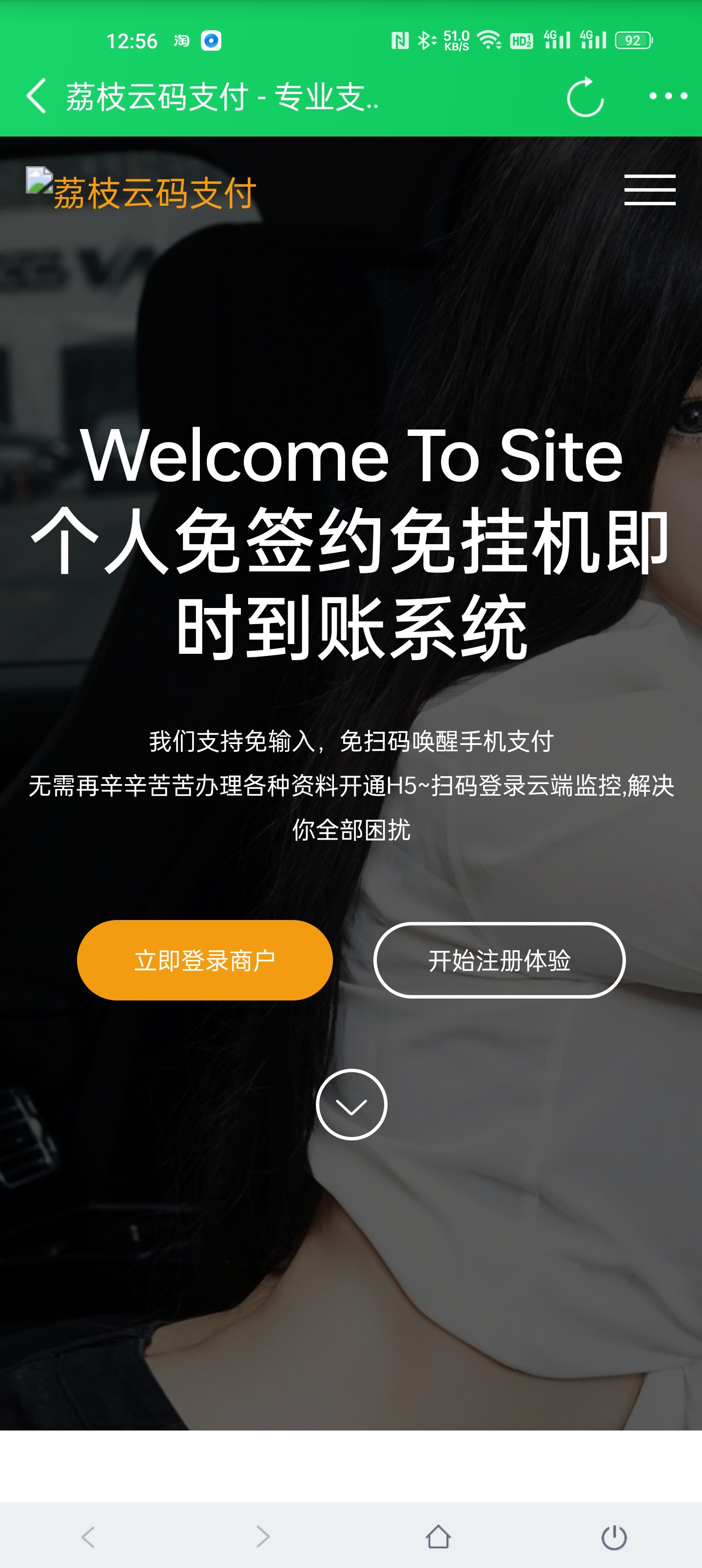
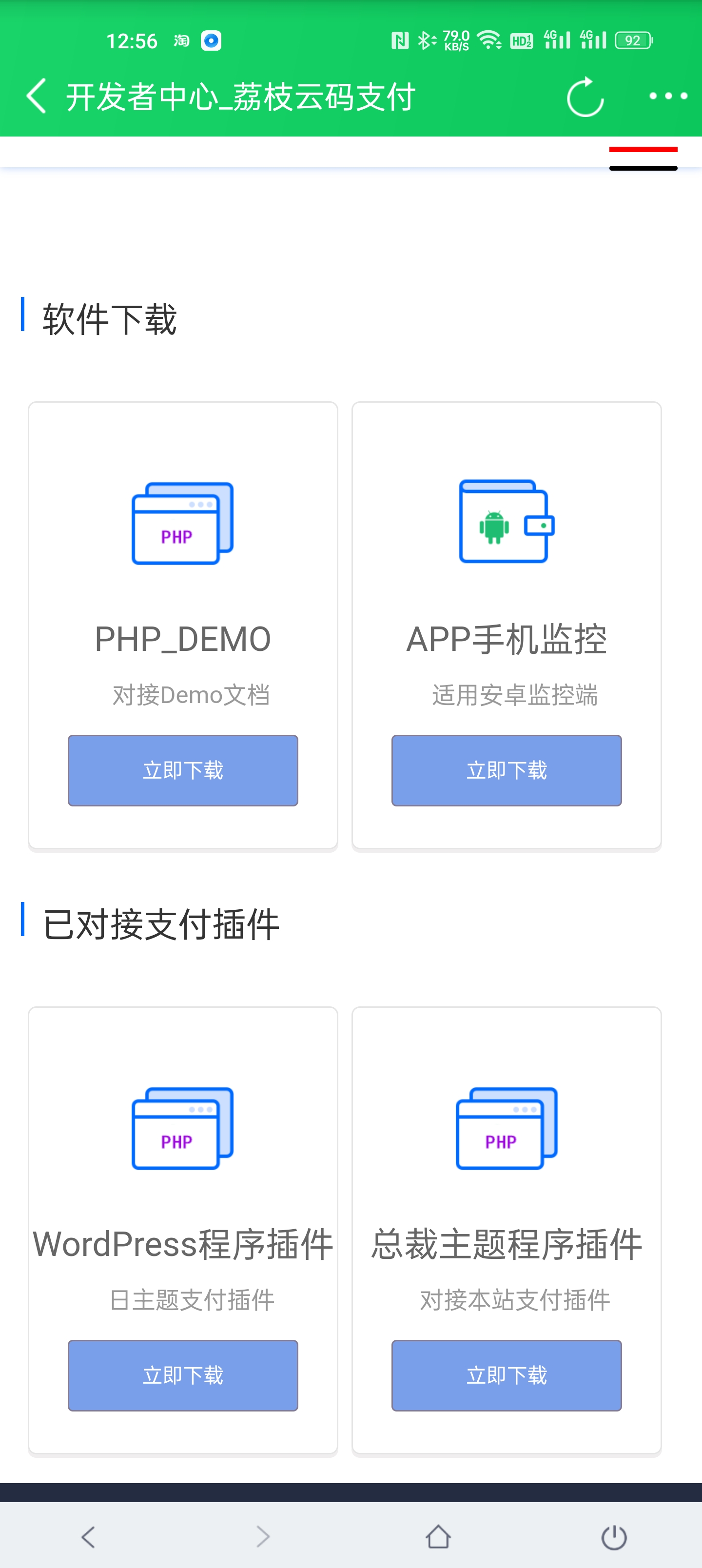
  • 源支付3.0源码下载

    ———-安-装———
    推荐使用云服务器搭建
    Nginx + PHP 7.2 + Mysql 5.6;
    上传源码到根目录
    设置网站运行目录public、随后设置伪静态为ThinkPHP
    打开域名就可以到安装界面了

    ———–其他说明————–
    防火墙最好不开
    有问题自己多琢磨,很简单的,别说源码不行,发出来就是测试了的!!!

    ————计划任务(必须)————-
    注意:搭建好之后必须设置计划任务!
    具体如下
    宝塔计划任务——Shell脚本,名称随便-执行周期设置一分钟,脚本内容如下,记得改好你自己域名!!!
    #!/bin/bash
    step=10 #间隔的秒数,不能大于60
    for (( i = 0; i < 60; i=(i+step) )); do
    curl -sS –connect-timeout 10 -m 60 ‘http://你自己域名/api/cron/alipay’
    curl -sS –connect-timeout 10 -m 60 ‘http://你自己域名/api/wechat/index’
    curl -sS –connect-timeout 10 -m 60 ‘http://你自己域名/api/cron/alipay_gr’
    curl -sS –connect-timeout 10 -m 60 ‘http://你自己域名/api/cron/index’
    echo “—————————————————————————-”
    endDate=`date +”%Y-%m-%d %H:%M:%S”`
    echo “荔枝云支付监控成功”
    echo “——————————————————————

    演示站:http://l.trgw.fun/
    易支付演示站:http://lzy.trgw.fun/

  • 【腾讯云】热卖云产品年终特惠,2核2G轻量应用服务器6.58元/月起

    【腾讯云】热卖云产品年终特惠,2核2G轻量应用服务器6.58元/月起

    【腾讯云】云服务器等爆品抢先购,低至4.2元/月

    https://url.cn/oXVCHa85

    【腾讯云】热卖云产品年终特惠,2核2G轻量应用服务器6.58元/月起

    https://url.cn/OGjhj0Gz

    年末限时活动快点抢购吧!!!

    关注沈乐不迷路!分享省钱小妙招!!!